
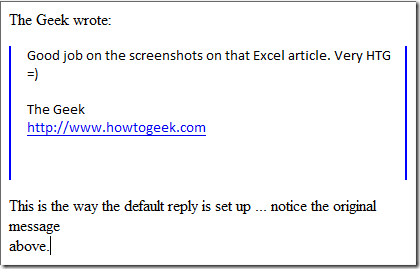
By default when replying to an message is Thunderbird, the original text appears above the area to compose the response. Personally I am not a fan of this format. Here is how to switch it so your reply appears above the original message. Notice this is the default set up for replying to messages. To change this go to Tools Account Settings

In Account Settings select Composition and Addressing. Change the drop down box to "Start my reply above the quote". Here you can also choose where your signature will display on the message as well. When you done click OK then go back to the original message.

That is all there is to it! Now, this is a lot more familiar and comfortable in my email world.
