
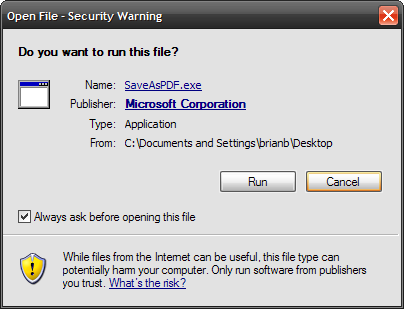
In continuing with my apparent PDF theme this week, I thought it would be good to point out a nice Add-In for Microsoft Office 2007 which allows you to save or email documents in PDF format. Just download and install the Microsoft Save As PDF Add-In. Installation is very simple, only takes about a minute and you are ready to use a feature long ignored by Microsoft. There are actually 2 different Add-Ins, one allows only PDF and the other allows both PDF and XPS format. Launch the SaveAsPDF.exe file and click Run when the security warning appears. Accept the license and terms and click Continue.

The application installs ...

Installation complete ... click OK.

Now when you open say Word 2007 you will notice the ability to use the new feature.


According to the Microsoft site this Add-In can be used in 8 of the Office applications. So far I have successfully tested it in Word, Excel, and PowerPoint.