
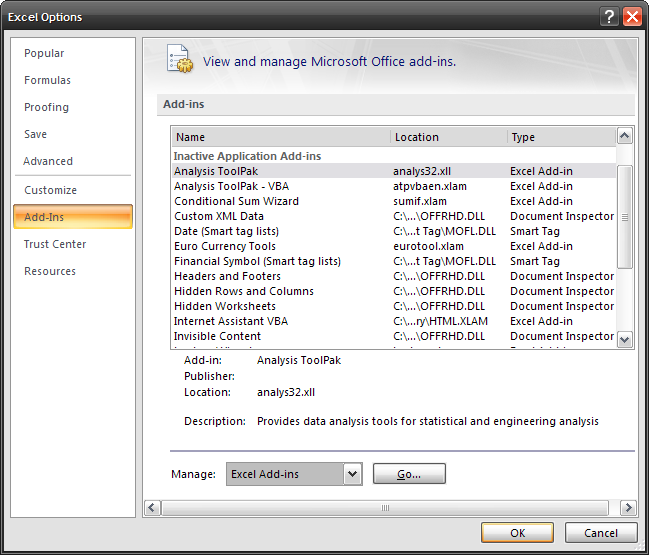
You can install Add-In software to most Office 2007 applications. Microsoft bundled add-in software with this release of Office. The software is included with 2007 but is not automatically installed. Here I am going to demonstrate how to complete the process with Excel 2007. Click on the Microsoft Office Button Excel Options Add-Ins You can highlight the various add-Ins to get a brief description of what it does. Make sure you have Manage: Excel Add-ins selected and click the Go... button and select the available Add-in from the resulting screen.

Click Yes to the confirmation screen.

Now just wait while Office installs the selected Add-Ins. When finished you can click the Add-Ins tab on the Ribbon to start using them.

There are also third-party Add-Ins as well. What are some of your favorites?