
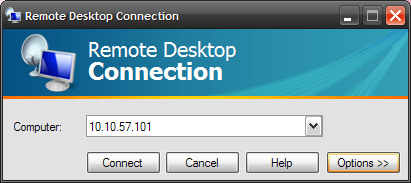
If you need to hurriedly work on a computer in the office or at home changing a few options before connecting can improve the connection speed. We are only connecting to the computer to fix an issue or do some troubleshooting so the graphics on the remote machine do not need to look fancy. Launch Remote Desktop and put in the remote computer you want to connect to then hit the Options button. When the Options menu opens up reduce the Remote desktop size and choose a lower color setting.

Also under the Experience tab I uncheck everything except Reconnect if connection is dropped. Now hit Connect.

Your remote session will be using a lot less resources and should speed up your session while working on getting an issue resolved.
